
Two entry points
You can start a Bioscientist Agent session in two ways, depending on whether you prefer a conversational or form-based interface.
Conversational Agent (home page)
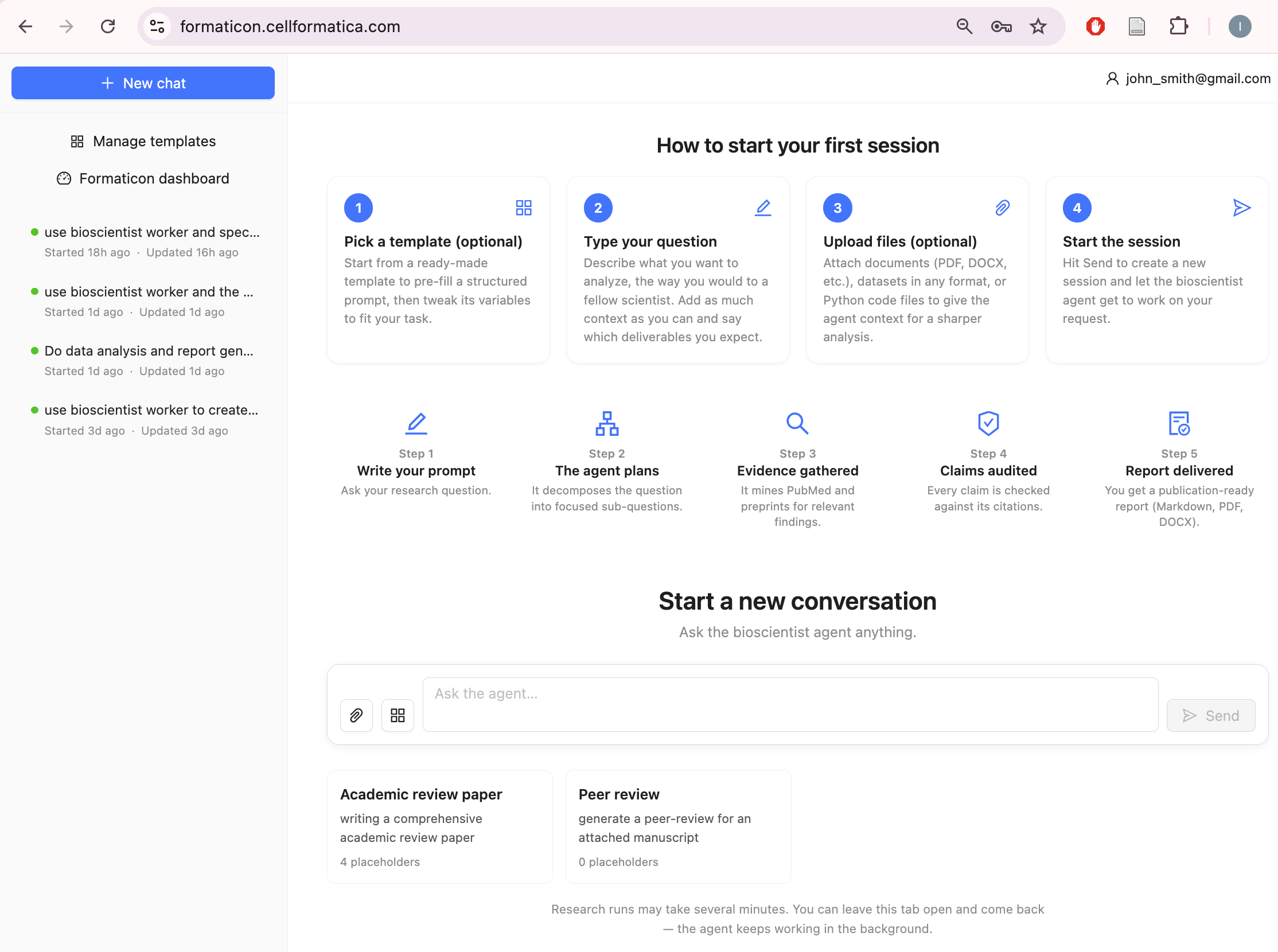
Visit formaticon.cellformatica.com (the home page). The Bioscientist Agent chat interface lets you type your research question directly (type it into the chat box under the "Start a new conversation") and watch the pipeline's progress in real time.
A good idea is to start your prompt from "Use AI scientist to..." – to make sure the AI scientist rather than an orchestrating agent is used to solve the task. You will see the individual phases completing, token-by-token output, and a phase tracker as the agent works through decomposition, retrieval, synthesis, and report generation.
You can click on the paperclip button to attach files. You can also use templates (e.g. Academic review paper or Peer review – see under the chatbox. The list of templates can be invoked by clicking on the icon to the right of the paper clip button.
The history of your searches will appear on the left. You can open old searches and continue the conversation by asking more questions about the result. Depending on the size of your result it may take about a minute or two to load the old session into the virtual machine
Form-based Task submission
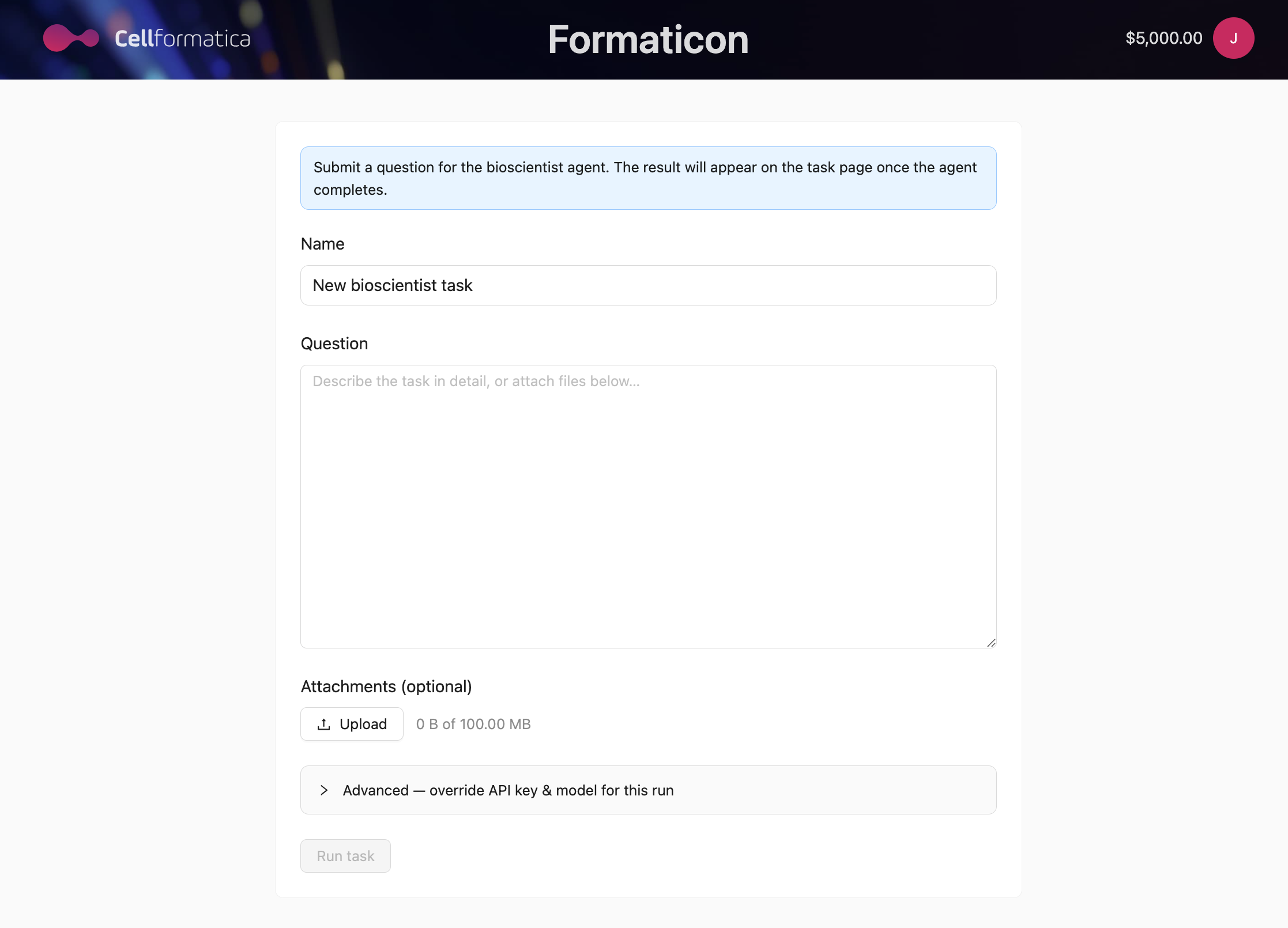
Visit formaticon.cellformatica.com/bioscientist-request or click Create Bioscientist Task from the dashboard. This form-based approach is a legacy way to launch the bioscientist giving you the same capabilities as the Agent chat interface attaching the files, setting a task name for easy retrieval later, or configuring advanced options before submitting.
Filling in the task form
Task name Required
Give your task a short descriptive name (e.g. "KRAS therapy resistance in lung cancer 2024"). This appears in your Bioscientist Task History and makes it easy to find your results later.
Research question Required
Describe your research question or task in detail. The more context you provide, the more accurately the agent can calibrate its search strategy, analytical depth, and report structure.
Writing a good research question
The agent works best with questions that include:
- A clear biological or clinical focus: name the disease, pathway, gene, organism, or process.
- The angle of interest: mechanistic, clinical, epidemiological, therapeutic, or comparative.
- Any constraints or preferences: "focus on human studies", "include data from GEO datasets", "prioritise papers from the last five years".
- The desired output format: "produce a 3,000-word white paper", "include at least two quantitative figures", "generate novel testable hypotheses".
Example of a well-phrased task:
Attaching files Optional
You can attach reference files that the agent should use as context during its research. Supported formats include:
- PDF — papers, preprints, or documents the agent should read and reference
- CSV / TSV — gene lists, expression data, or metadata tables
- Images — pathway diagrams, figures, or annotated screenshots to include as context
Attached files are downloaded into the agent's working environment and made available as reference material. The agent may cite them, extract data from them, or use them to guide its analysis — but it always supplements attachments with its own systematic literature retrieval.
Advanced options
Expand the Advanced section to access power-user settings:
- API key override — provide your own Anthropic API key. The agent will use this key for all AI calls in this session, and the cost will be billed to your Anthropic account rather than your Formaticon credits. Useful for heavy users with existing API agreements.
- Model override — specify a Claude model name (e.g.
claude-opus-4-8) to use a specific version rather than the platform default. Leave blank to use the platform's recommended model.
Running the task
Click Submit. A confirmation modal shows the task name, question summary, and estimated credit cost. Click Confirm to begin.
Monitoring progress
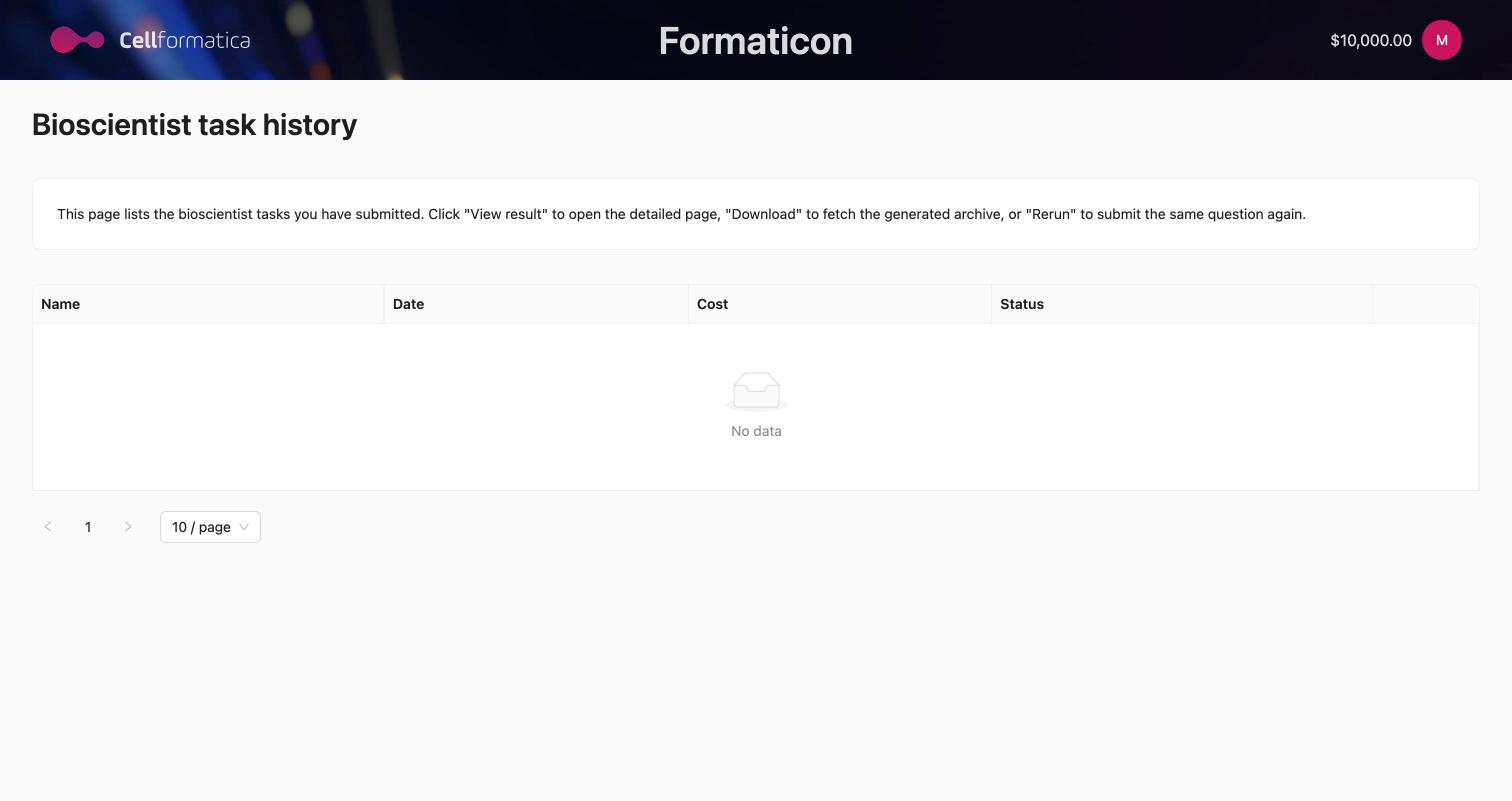
The status of your task is visible on the task detail page (accessible from Bioscientist Task History). Statuses progress as follows:
| Status | What is happening |
|---|---|
| INITIALIZING | The pipeline is starting up: a Fargate worker is provisioned, the environment is configured, and the agent reads its research protocol. |
| PENDING | Active research is in progress. The pipeline is executing its phases: question decomposition → PubMed/preprint retrieval → evidence synthesis → data mining → hypothesis generation → report planning → block writing → critique → rendering. |
| SUCCESS | The white paper is complete. The output archive is available for download. |
| FAILED | An error stopped the pipeline. Download the session log to see error details. Most failures are recoverable by resubmitting the task. |
In the conversational interface, you can also watch individual phases complete in real time, with token-by-token text streaming and file-creation notifications as figures and documents are produced.
Runtime expectations
A typical Bioscientist Agent task takes 1 to 2.5 hours. Factors that affect runtime:
- Question complexity — multi-part questions or requests for multiple independent topics run longer.
- Requested length — specifying a target word count (e.g. 5,000 words) extends the synthesis and critique phases.
- Reference count — requesting a large number of references increases retrieval time.
- System load — peak usage periods may add queue time.
The hard maximum runtime is 8 hours. If a task does not complete within this window, it is marked as FAILED and you can resubmit.
When the task completes
When status changes to SUCCESS, the following downloads become available:
- Download Output — the primary archive. Contains the final PDF white paper, DOCX version, all generated figures (PNG), a PRISMA-compliant search protocol, a hypotheses document, and a RIS reference file.
- Download Session Log — the raw pipeline execution transcript (JSONL format). Useful for auditing which papers were retrieved, understanding the agent's reasoning, or debugging a partial run.
- Download Input Attachments — any files you attached when submitting the task, available for reference.
Sharing your results
Click Share on the task result page. This generates a URL with an access token. Anyone with the link can view the task status, download the output archive, and download the session log — without needing a Formaticon account. See History, Sharing & Billing for details.
Next steps
For a detailed explanation of what each section of the white paper contains — PRISMA protocol, hypotheses, citation format, and quality signals — see Reading Your Results.